
Some product configurations have non-rectangle print areas, or part of the rectangle is covered by some part of the product. Here is an example of a non-rectangle print area:
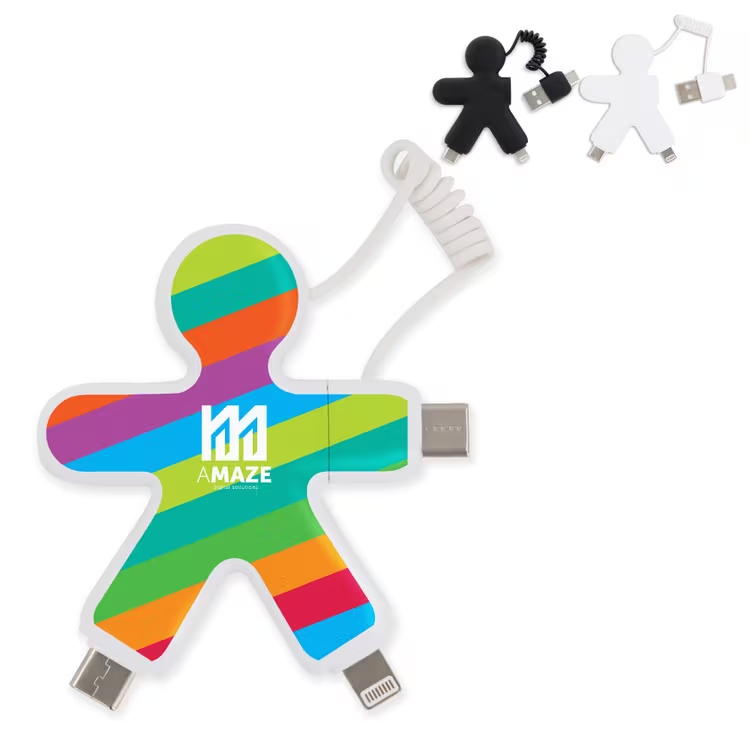
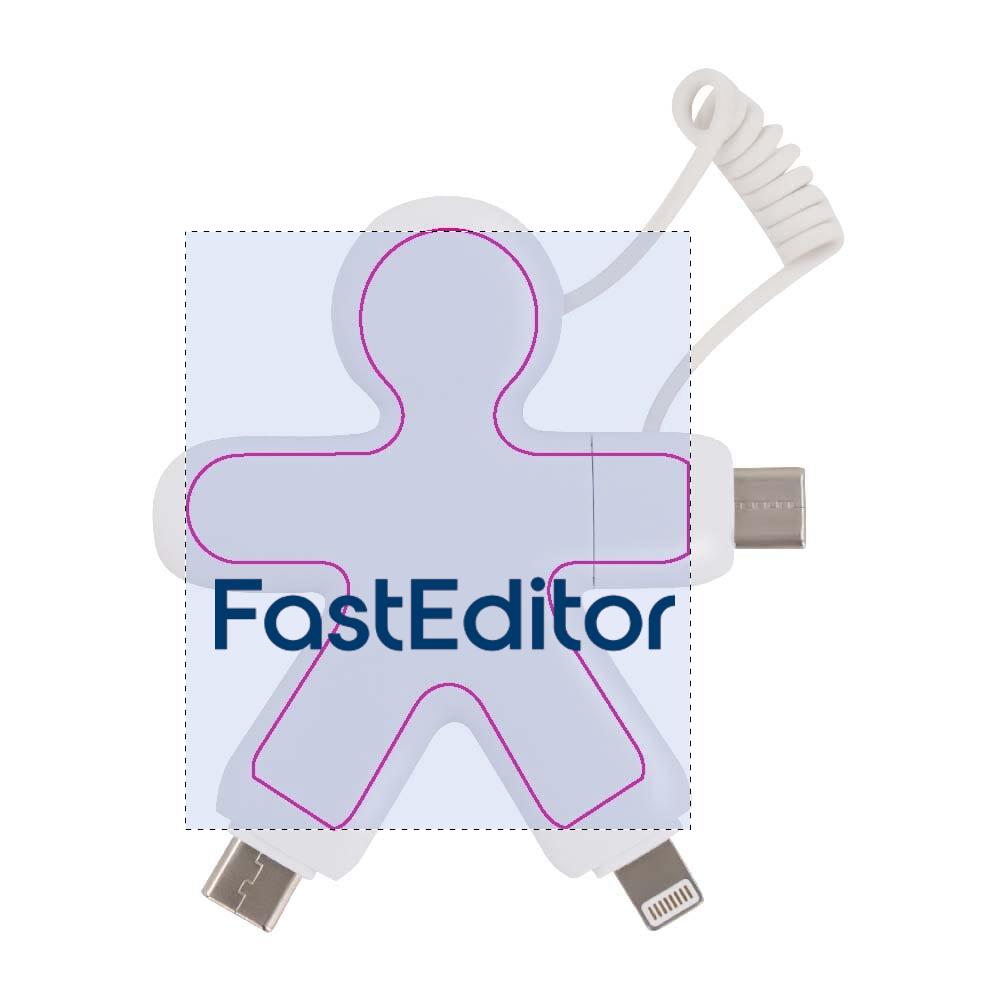
The print specifications will specify the bounding box of the print area, and this would therefore become the designable area in the editor. This would allow the user to place content outside the printable area, like this:
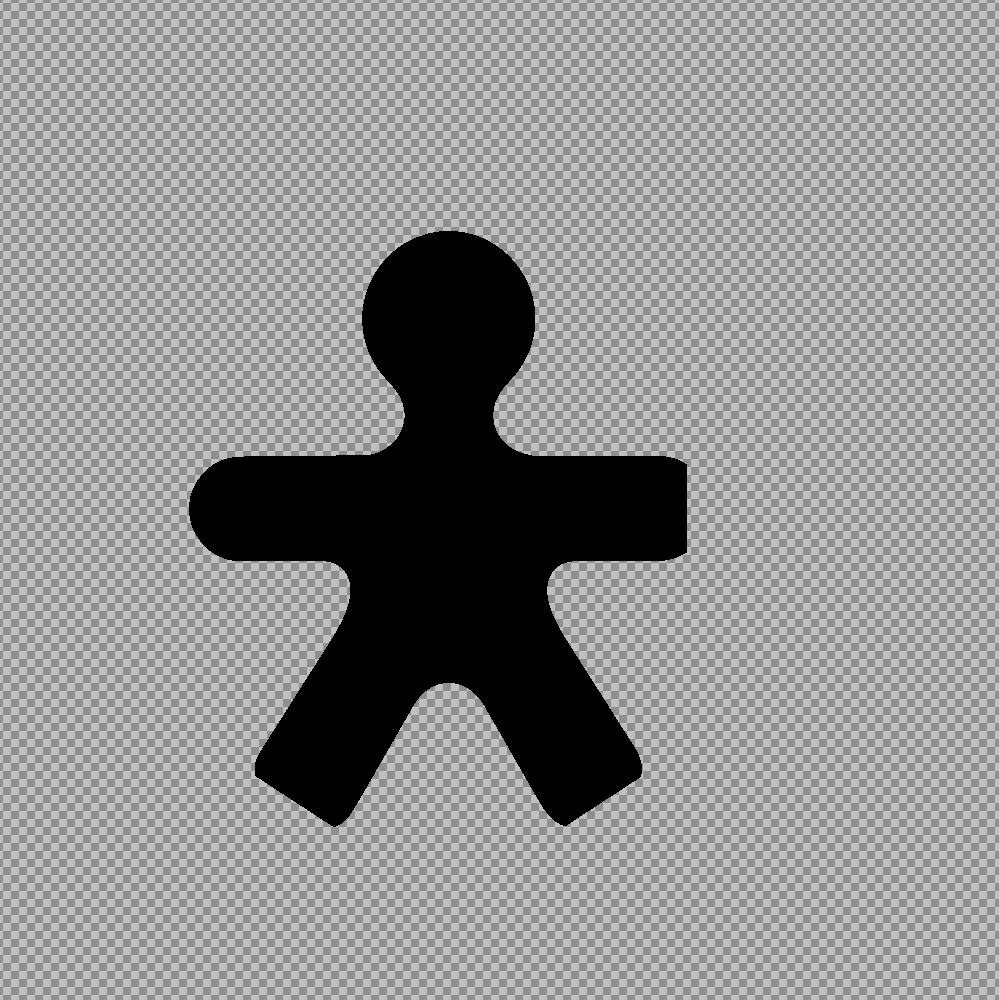
To avoid this, we can create a mask and add it to the product configuration. There are 2 options, either we create a mask that's sized in relation to the product image. This would look like this (notice the empty spaces around the black):
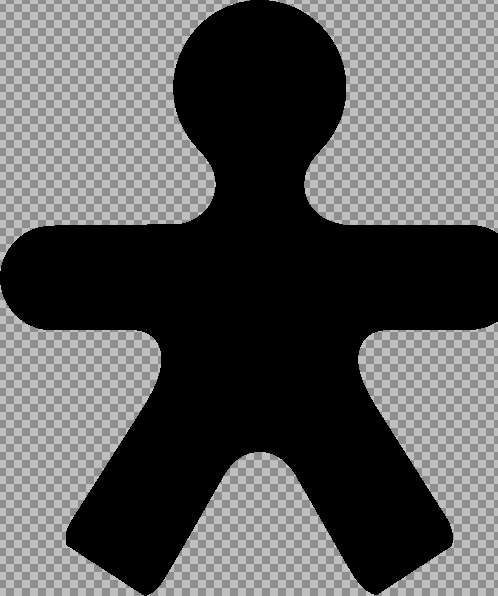
The other option is to size it relating to the size of the print area.
After adding the mask to the product configuration, the user would see the changed behaviour in the editor: